
Halftone effects
for any Figma layer
Generate color separated halftones, stipple effects, and line screens as vector shapes. Works with any Figma layer.
Four effects. Infinite tweaks.
Each effect transforms your bitmap or vector artwork into a unique vector pattern. Experiment with settings to make it just right.
Newsprint
Gritty print texture. Raw, nostalgic.
Halftone
Classic halftone. Chunky, iconic.
Stipple
Carefully placed dots. Hand-drawn feel.
Lines
Line screen effect. Bold, graphic.
Proper color separation.
Toner separates colors into layers with print-based algorithms, giving you an authentic aesthetic with full control over each channel.
CMYK
Four separated layers: the classic print look with visible rosette patterns.
RGB
Three-layer separation. Additive blending to simulate screen colors.
Duotone
Two colors of your choice. Perfect for posters, zines, and brand work.
Black
Single-color halftone. Simple, bold, classic.
Vector output.
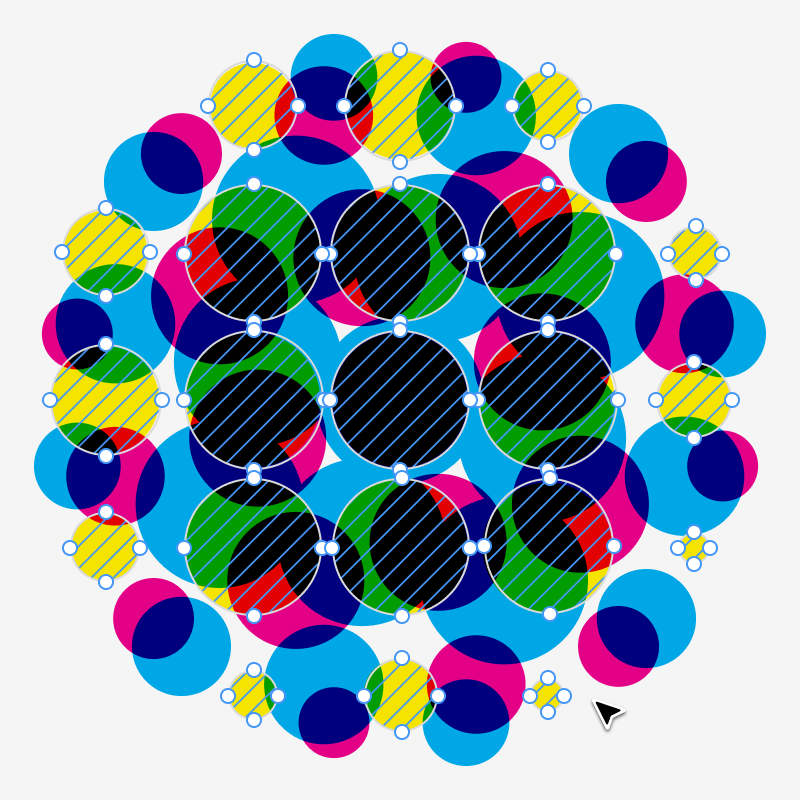
Every dot, every line, all vector paths. Scale infinitely, edit individually, export cleanly.
Dial it in.
Three settings. Total control.
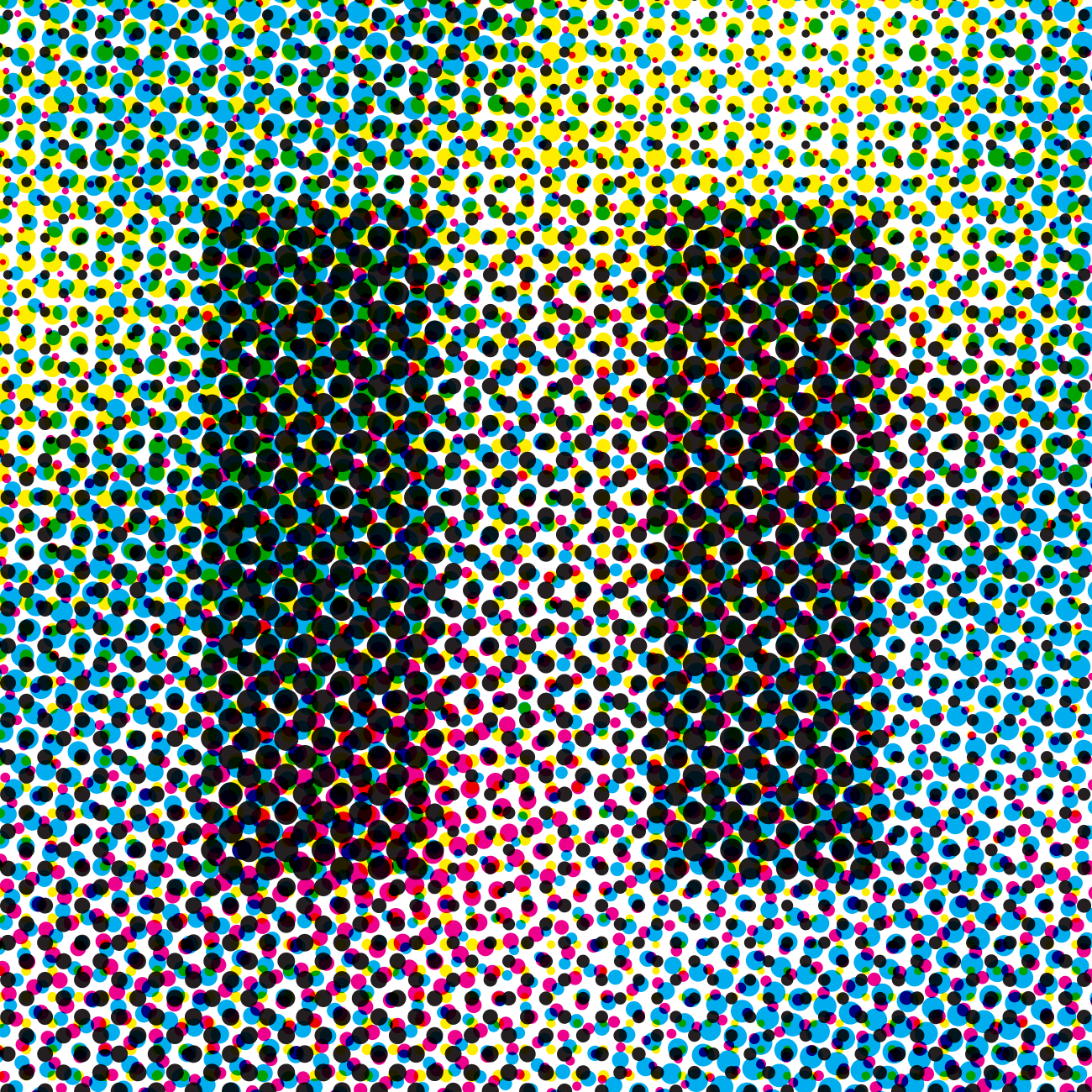
Density
Lower density for chunkier dots, visible pattern. Higher for finer, smoother gradients.
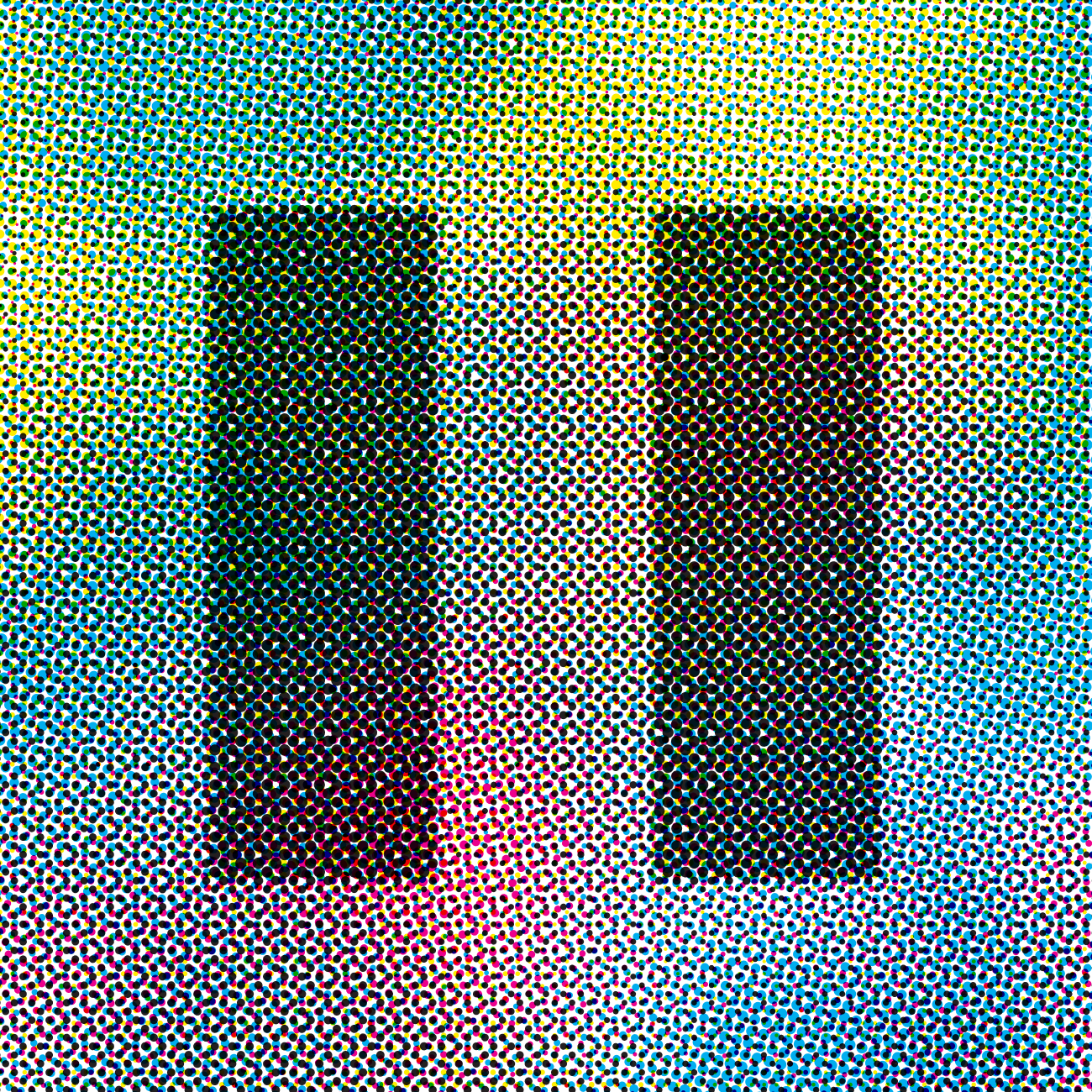
Gain
Simulates ink spread on paper. Adds warmth and weight to midtones.
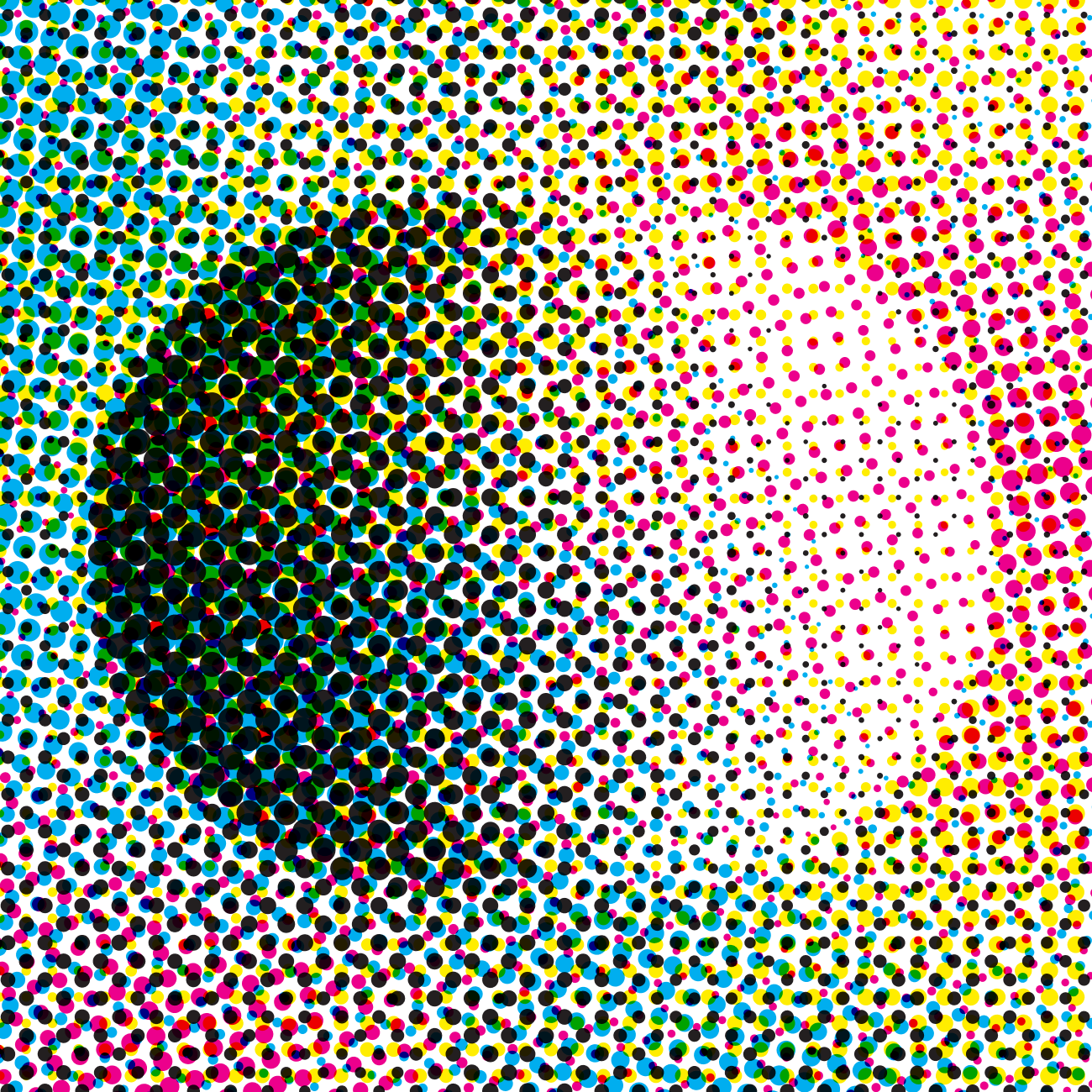
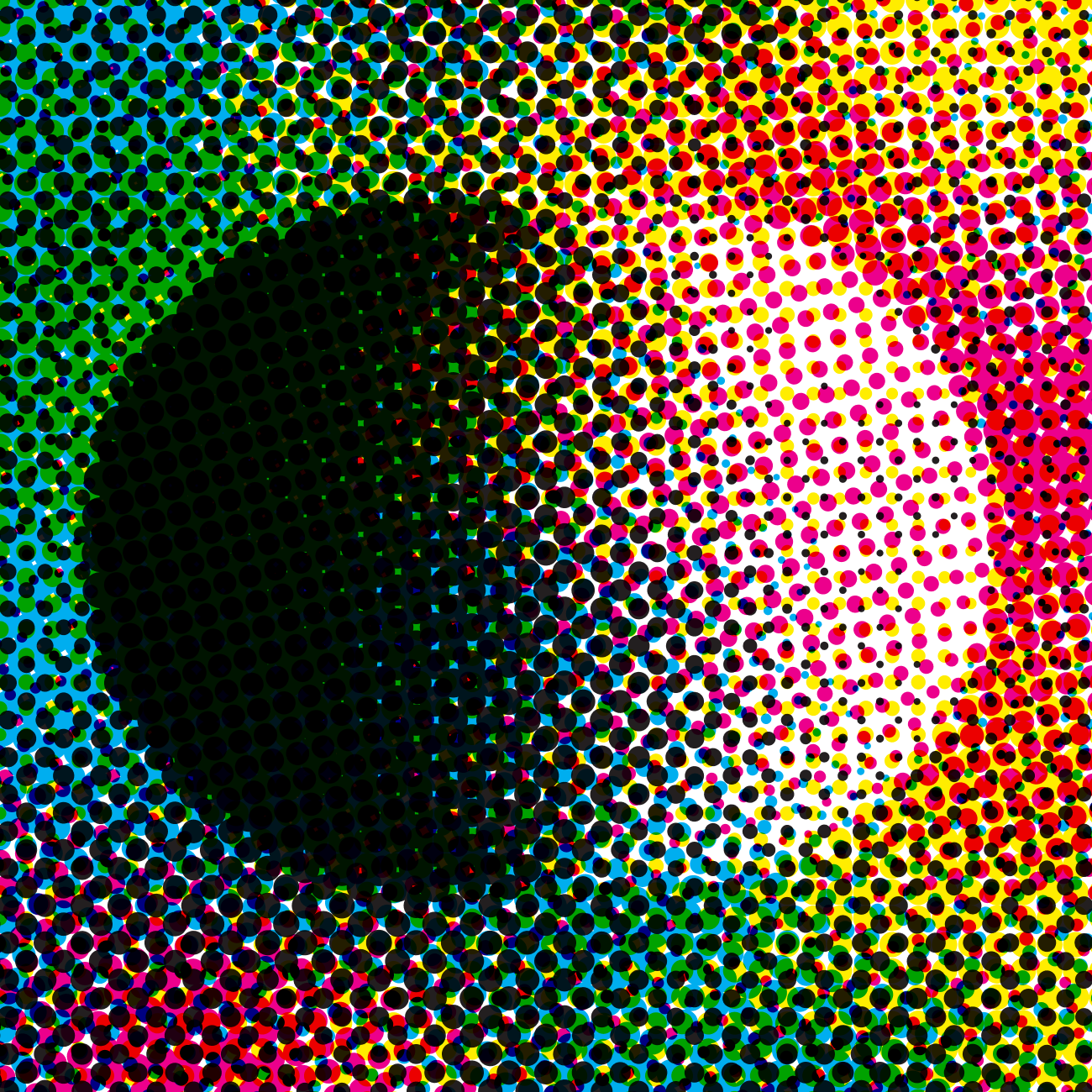
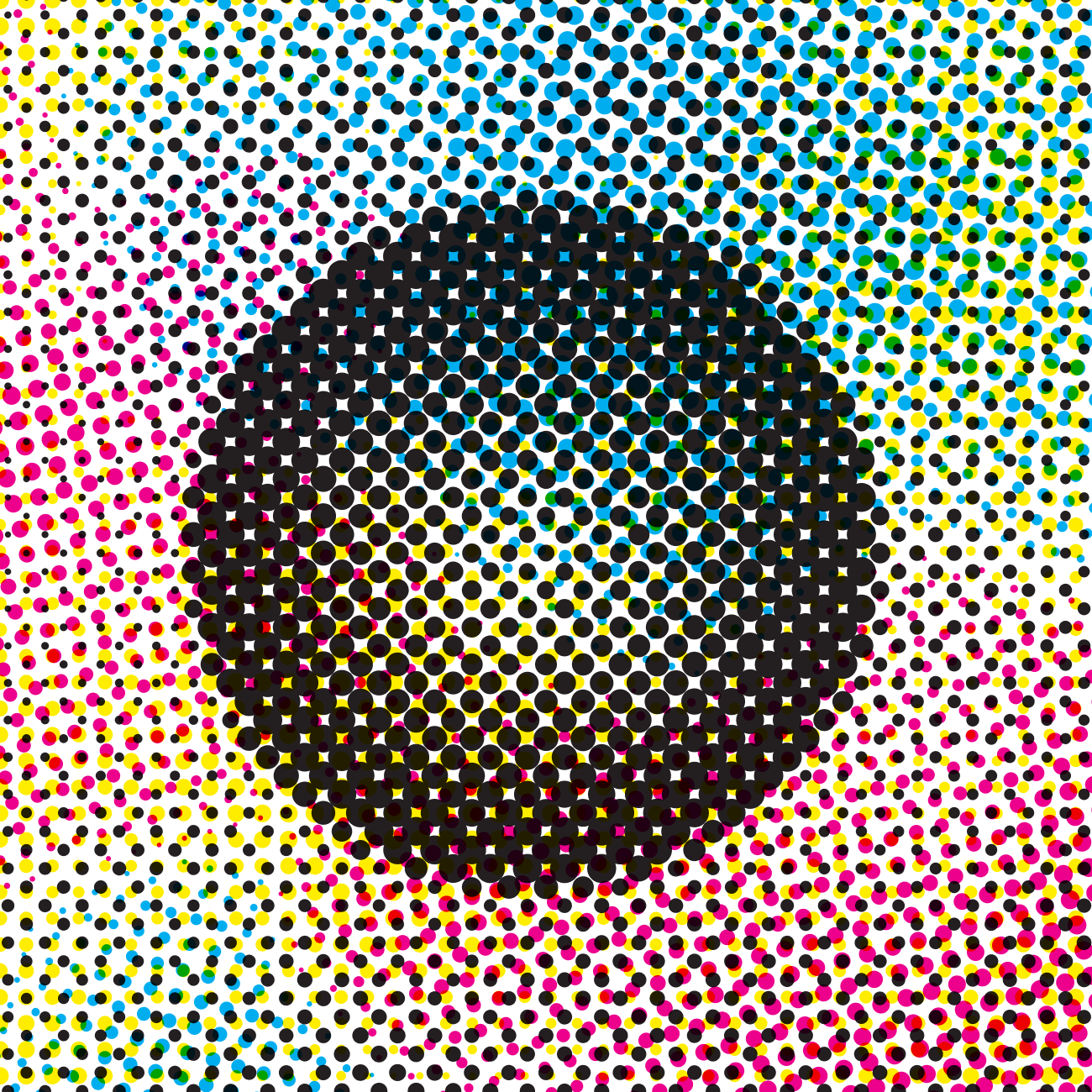
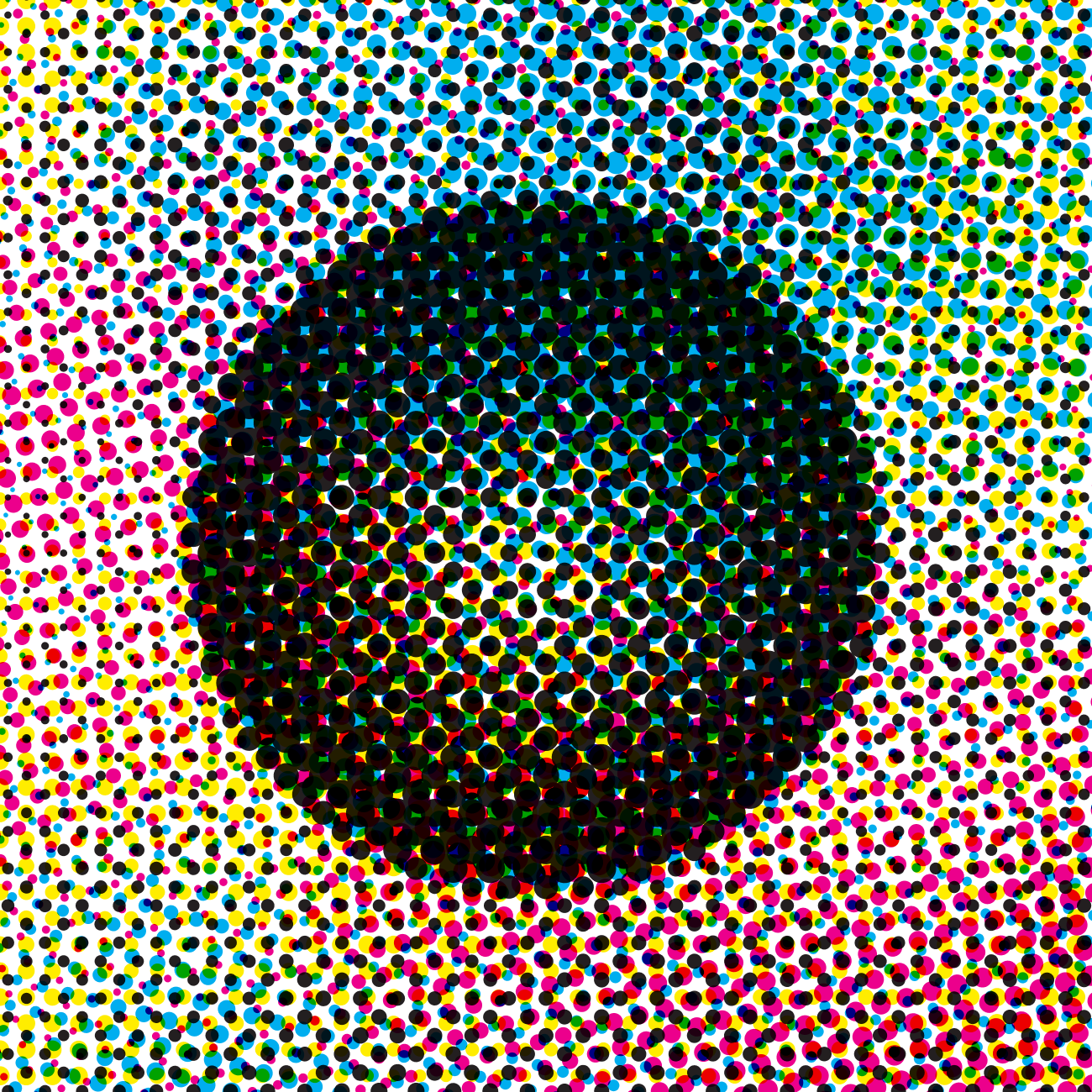
Rich Black
Mix all inks for deeper blacks. Available in CMYK.
Free to try. Fair price to own.
Generate ten halftones free.
Keep using for a one-time purchase.
Purchase handled in Figma after install.